Supply Chain
7 Monitoring Tools for Supply Chain and Back-Office Teams
A three-day gap between a problem and its discovery isn't a people failure — it's a visibility failure. Here are 7 monitoring tools that fix that.

Sanya Shah
Co-founder, Predflow

A shipment delay surfaced in a Tuesday stand-up. The invoice discrepancy had been sitting in the system since Friday. Nobody flagged it because nobody was watching that part of the process. That three-day gap is not a people problem. It is a visibility problem, and it is exactly what the right monitoring tools are built to close.
Most monitoring tools are built for engineering teams tracking server uptime and API response times. Supply chain managers, AP leads, and operations leaders are tracking something different: whether a purchase order moved through approval on time, whether an invoice aged past its SLA, whether a supplier onboarding step got missed. The tools need to match the problem.
This article helps you evaluate seven monitoring tools against your actual process blind spots, not just your IT stack.
What Makes a Monitoring Tool Useful for Supply Chain and Back-Office Work?
Most teams discover a monitoring gap the same way: something breaks downstream before anyone upstream knew it was off track. Choosing the right tool means understanding what your team actually needs to watch, not what an IT team needs to watch.
Process visibility vs. infrastructure visibility: why the distinction matters
Infrastructure monitoring tracks whether systems are running. Process monitoring tracks whether work is moving. Those are different problems. A server can be fully online while an invoice sits unrouted for four days because an approval step was skipped. Back-office teams need process visibility, not just system health.
Key signals back-office teams actually need to track
Application monitoring best practices point to alerting on performance baselines and root causes. For back-office teams, those baselines are operational: invoice aging, SLA breach frequency, order exception rate, and supplier response time. System uptime is a secondary concern. Process throughput is the primary one.
Integration requirements: billing, ERP, and procurement systems
A monitoring tool that cannot connect to your ERP, billing system, or procurement platform is only showing you part of the picture. Operations management software and business process monitors need to pull signals from wherever the work actually happens, whether that is a procurement system, a billing platform, or a warehouse management tool.
Dimension | IT Monitoring | Back-Office / Supply Chain Monitoring |
|---|---|---|
What is being tracked | Server health, API latency, error rates | Invoice aging, SLA adherence, order exceptions |
Who acts on alerts | DevOps or engineering on-call | AP lead, ops manager, procurement team |
What the trigger event looks like | CPU spike, service downtime, failed deploy | Approval step missed, shipment delayed past threshold, SLA timer expired |
7 Monitoring Tools Worth Evaluating in 2025
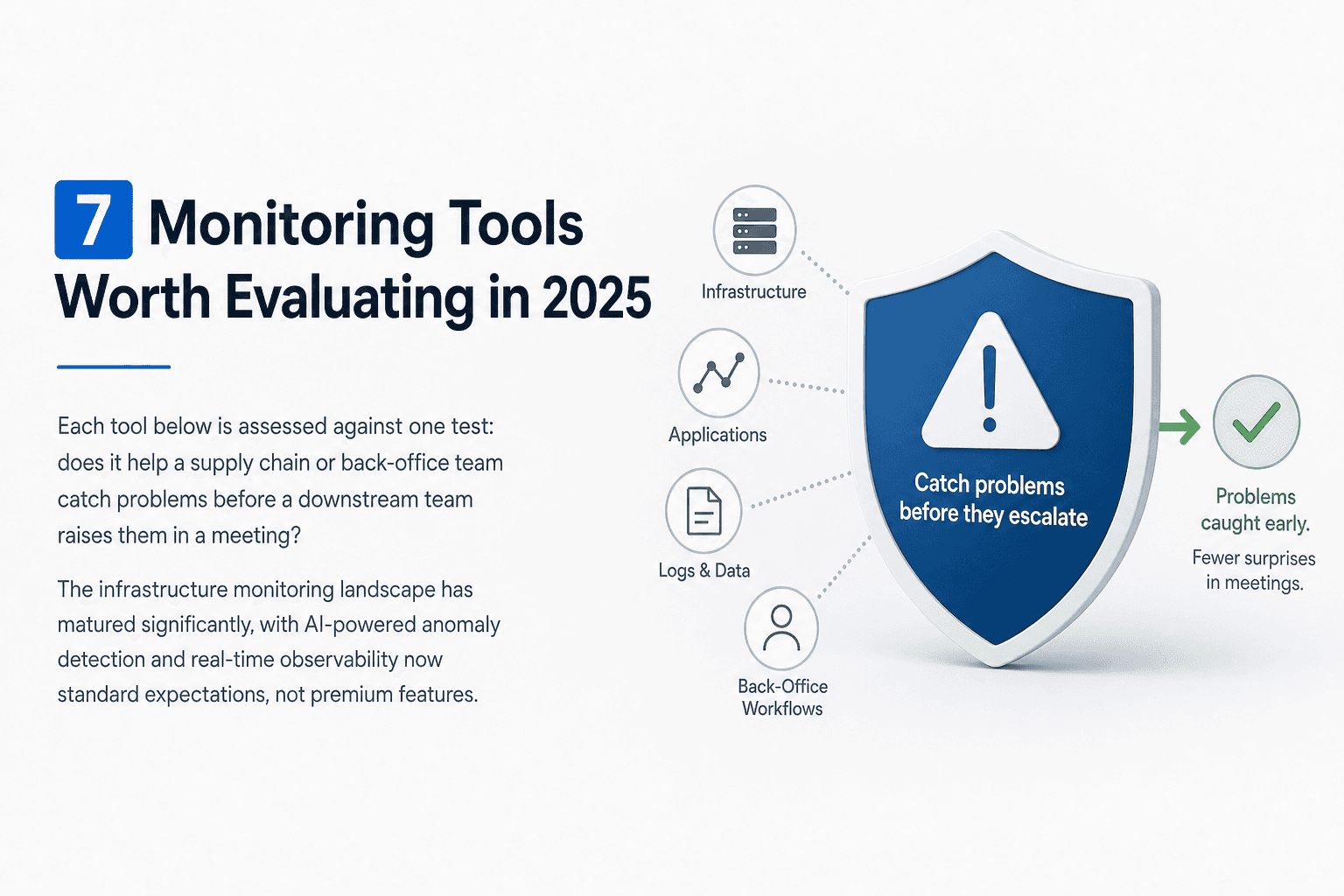
Each tool below is assessed against one test: does it help a supply chain or back-office team catch problems before a downstream team raises them in a meeting? The infrastructure monitoring landscape has matured significantly, with AI-powered anomaly detection and real-time observability now standard expectations, not premium features.
1. Datadog — Best for teams with mixed IT and operational workflows
Datadog monitors infrastructure, application performance, and log data in a single platform. It suits operations teams that sit alongside engineering and need a shared view of both system health and process throughput. Its dashboards are configurable enough to surface back-office signals if you invest setup time. The limitation for pure back-office teams: most out-of-the-box monitors are infrastructure-first, requiring custom configuration to track operational workflows. Datadog uses per-host and per-user SaaS pricing, with costs scaling quickly at enterprise volume.
Best fit: Hybrid ops-IT teams. Integration: Strong API coverage, including ERP connectors via middleware. Pricing: Per-seat SaaS, enterprise pricing available.
2. New Relic — Strong APM with service-level agreement tracking
New Relic is an apm monitoring tool that tracks application performance, user experience, and service-level agreement compliance. For back-office teams running software-heavy workflows, its SLA tracking is genuinely useful for flagging when a system-dependent process is drifting. It follows application monitoring best practices well: baselining performance, alerting on deviations, and providing root cause data. The limitation is that New Relic defines SLAs in technical terms, not business process terms. An AP team tracking invoice cycle time needs to configure that manually. Best fit: Teams with ERP or billing software dependencies. Pricing: Free tier available; usage-based SaaS above that.
3. Splunk — Audit trails and compliance-heavy back-office environments
Splunk collects and indexes machine data, making it strong for audit trails, compliance logging, and forensic investigation across systems. Back-office teams in regulated industries use it to track who approved what and when, across procurement, billing, and financial systems. It functions as one of the more capable auditing software tools for environments where compliance is non-negotiable. The limitation: Splunk requires significant technical investment to configure and maintain. It is not a plug-and-play tool for a finance team without IT support. Best fit: Compliance and audit-focused back-office teams. Pricing: Enterprise quote-based.
4. Dynatrace — AI-assisted anomaly detection across enterprise applications
Dynatrace applies AI-assisted anomaly detection across enterprise applications and microservices, automatically mapping dependencies and flagging deviations. For large operations teams running enterprise software solutions with complex integrations, it reduces the manual work of identifying where a slowdown originates. Aligning with application monitoring best practices, Dynatrace automates root cause analysis rather than leaving it to the team. The limitation: its value scales with infrastructure complexity. Smaller or mid-sized operations teams get less return on its enterprise pricing. Best fit: Large enterprise ops teams with complex application stacks. Pricing: Enterprise quote-based, no public per-seat pricing.
5. Grafana — Open-source visibility for custom supply chain dashboards
Grafana is an open-source platform for building custom dashboards that visualize data from multiple sources. Supply chain teams use it to build real time monitoring system views pulling from warehouse systems, ERP data, and logistics APIs. It is flexible enough to display the exact signals a back-office team cares about, but that flexibility requires someone to build and maintain the dashboards. The limitation is the build burden: without engineering resources, Grafana dashboards do not configure themselves. Best fit: Teams with in-house technical capacity and a need for custom reporting. Pricing: Open-source core; Grafana Cloud has a paid tier.
6. PagerDuty — Incident response and escalation for ops teams on-call
PagerDuty is a service monitoring tool focused on routing alerts to the right person and managing escalation when a response is delayed. For operations teams that handle time-sensitive exceptions, such as shipment failures or system outages affecting order processing, it ensures alerts do not get lost in email threads. It pairs well with other monitoring platforms rather than replacing them. The limitation: PagerDuty manages alert routing, not alert generation. It requires another tool upstream to detect the issue. Best fit: Ops teams coordinating cross-functional incident response. Pricing: Per-seat SaaS with tiered plans.
7. Predflow — End-to-end workflow monitoring built around business processes, not infrastructure
The six tools above monitor systems and services well. None of them start from a process map. Predflow is an AI agent platform that begins by mapping your actual business workflow, whether that is AP invoice routing, supplier onboarding, or order exception handling, and then monitors and automates that process end-to-end. Where other tools alert your team to a problem, Predflow handles edge cases and human handoffs as part of the same workflow. If your team is spending more time responding to monitoring alerts than the alerts are saving, the gap is not visibility. It is action. Best fit: AP, procurement, and supply chain teams with repetitive multi-step workflows. Pricing: Enterprise, custom quote.
How to Choose the Right Monitoring Tool When Your Team Is Not IT
Most monitoring tool comparisons assume an engineer is buying. If you are a supply chain manager or AP lead, the evaluation looks different. Four questions narrow the list quickly.
Question 1: Are you monitoring a system or a process?
A common mistake in observability setups is building dashboards without clear objectives. The back-office equivalent is tracking system uptime when the real problem is invoice aging, order exception rate, or SLA breach frequency. If your answer is "a process," you need a tool that can ingest business-level signals, not just server metrics. Grafana and Datadog can do this with configuration. Most others require significant workarounds.
Question 2: Who needs to act when something goes wrong?
If the alert goes to an engineer, an IT monitoring tool works. If the alert needs to reach an AP lead or a procurement manager, the tool needs to route notifications in a way that makes sense to that person. PagerDuty handles escalation well. Most APM tools do not have meaningful non-technical alert routing out of the box.
Question 3: Does it connect to your existing billing, ERP, or procurement stack?
An accounts payable and receivable software integration is not optional if your process lives there. Check whether the tool connects natively or requires a middleware layer. Middleware adds cost and a new failure point. Tools with direct ERP or invoice management system connectors reduce that risk.
Question 4: Can you afford alert fatigue — and does the tool help prevent it?
Alert fatigue is real. When a tool fires dozens of low-priority notifications, teams stop reading them. Look for tools with threshold tuning, intelligent grouping, or anomaly-based alerting rather than simple threshold breaches. Dynatrace and Datadog both have this capability. Simpler tools require manual threshold management, which creates its own maintenance burden.
Where Monitoring Tools Stop and Workflow Automation Has to Start
Monitoring tools alert your team when a process breaks down. Workflow automation platforms resolve the breakdown, or prevent it, without requiring manual intervention. The difference matters when your team is spending more time responding to alerts than the alerts are saving.
The visibility-to-action gap: what monitoring tools cannot do on their own
A monitoring tool can tell you that an invoice has been sitting in an approval queue for six days past its SLA. It cannot reroute it, escalate it to the right approver, or log the exception for compliance review. That gap between visibility and action is where manual work creeps back in, even for teams that have invested in monitoring.
Signs your back-office team needs automation, not just alerts
Three signals suggest your team has outgrown pure monitoring. First: the same alert fires repeatedly and someone handles it the same way every time. Second: your team's response to monitoring alerts is itself a documented process with steps. Third: you are getting accurate visibility but the time between alert and resolution has not improved. These are not monitoring failures. They are automation gaps.
How process-first automation platforms differ from bolt-on monitoring add-ons
Standard monitoring tools are built around systems and then stretched to cover processes. Process-first automation platforms start with the workflow and build monitoring into it. The practical difference: a process-first platform knows what step comes next and can execute it, not just flag that it did not happen. That is a different category of software, and it becomes relevant when your team's bottleneck is response time, not detection.
Monitoring Tools Comparison: A Quick-Reference Guide
Use this table before a vendor meeting or when narrowing your shortlist to two candidates.
Tool | Monitors Systems or Processes | Best Team Fit | ERP/Billing Integration | Alert-to-Action Capability |
|---|---|---|---|---|
Datadog | Systems (configurable for processes) | Hybrid IT/Ops teams | Via middleware | Alerts Only |
New Relic | Systems + SLA tracking | Software-dependent workflows | Via API | Alerts Only |
Splunk | Systems + audit logs | Compliance-focused back-office | Via connectors | Alerts Only |
Dynatrace | Systems + AI anomaly detection | Large enterprise ops | Via enterprise integrations | Partial Automation |
Grafana | Custom (process or system) | Teams with technical capacity | Via plugins | Alerts Only |
PagerDuty | Alert routing only | Cross-functional incident response | Via upstream tools | Alerts Only |
Predflow | Processes end-to-end | AP, procurement, supply chain | Native workflow integration | Full Automation |
"Full Automation" in the last column means the platform can execute the next step in a workflow, not just notify a human that a step was missed. "Partial Automation" means the tool can trigger a pre-set action in certain conditions but does not manage the full process.
Frequently Asked Questions
What is the difference between monitoring tools and observability platforms?
Monitoring tools track specific metrics and alert when thresholds are breached. Observability platforms go further: they collect logs, metrics, and traces to help teams understand why a problem occurred, not just that it did. For back-office teams, the practical difference is that observability platforms support deeper root cause analysis, while monitoring tools are faster to deploy for specific signals.
Can monitoring tools integrate with ERP or billing software for back-office teams?
Most enterprise monitoring tools offer API-based integrations, but native connectors to ERP or billing systems vary by vendor. Datadog and Splunk have broad integration libraries. Grafana can pull from almost any data source with the right plugin. Always verify whether the integration is native or requires a middleware layer, as middleware adds both cost and a new failure point.
What are SIEM monitoring tools and do supply chain teams need them?
SIEM monitoring tools collect and correlate security event data across systems to detect threats and support compliance audits. Supply chain teams in regulated industries or those handling sensitive supplier and financial data may need SIEM capabilities. Splunk is the most common SIEM tool in enterprise back-office environments. Teams without a compliance or security mandate rarely need a full SIEM deployment.
How do I know when my team needs workflow automation instead of just monitoring?
The clearest signal is when the same alert triggers the same manual response repeatedly. If your team has a documented process for handling a monitoring alert, that process is a candidate for automation. A second signal: resolution time has not improved despite better visibility. Monitoring solved the detection problem. Automation solves the response problem.
Are there monitoring tools designed specifically for small or mid-sized operations teams?
Most enterprise monitoring tools scale down, but with reduced value at lower volumes. Grafana's open-source core works well for smaller teams with technical capacity. New Relic's free tier covers basic APM needs. PagerDuty has entry-level plans suited to smaller on-call teams. For process-focused needs, smaller operations teams are often better served by workflow automation tools than by enterprise monitoring platforms built for large IT environments.
Conclusion
You already know your team is missing something. The question is whether it is visibility, alerts, or action.
If your team has no reliable way to see where a process stands in real time, a monitoring tool like Datadog or Grafana solves that first. If you have visibility but alerts are not reaching the right person fast enough, PagerDuty or a similar escalation tool fills that gap. If you have both visibility and alerts but your team is still spending hours on the same manual responses, that is an automation gap, and no monitoring tool closes it.
If you are still comparing tools, the table in the comparison section maps your decision quickly. If you already know you need more than alerts, the next step is to map the process first, before choosing any platform.
If your back-office or supply chain team is losing time to manual handoffs and reactive firefighting, see how Predflow maps and automates your workflows end-to-end, starting with the process, not the tooling. Request a workflow walkthrough.
Bring 20 NetSuite bills to a 30-minute teardown
We will walk your actual invoices through capture, 3-way match and posting on the call, and tell you which steps an agent can take over. No prep beyond the PDFs.
FAQ
Frequently asked questions
What exactly is an AI agent
An AI agent is an autonomous system designed to handle specific business tasks end-to-end. Unlike simple chatbots, AI agents can reason, take actions, integrate with tools, and follow defined workflows.