Finance
Why Indian D2C Brands Should Automate Reconciliation Before Hiring Their Next Finance Analyst
Learn how Indian D2C brands can automate reconciliation across Razorpay, Shiprocket, and Shopify to close gaps faster and smarter.

Sanya Shah
Co-founder, Predflow
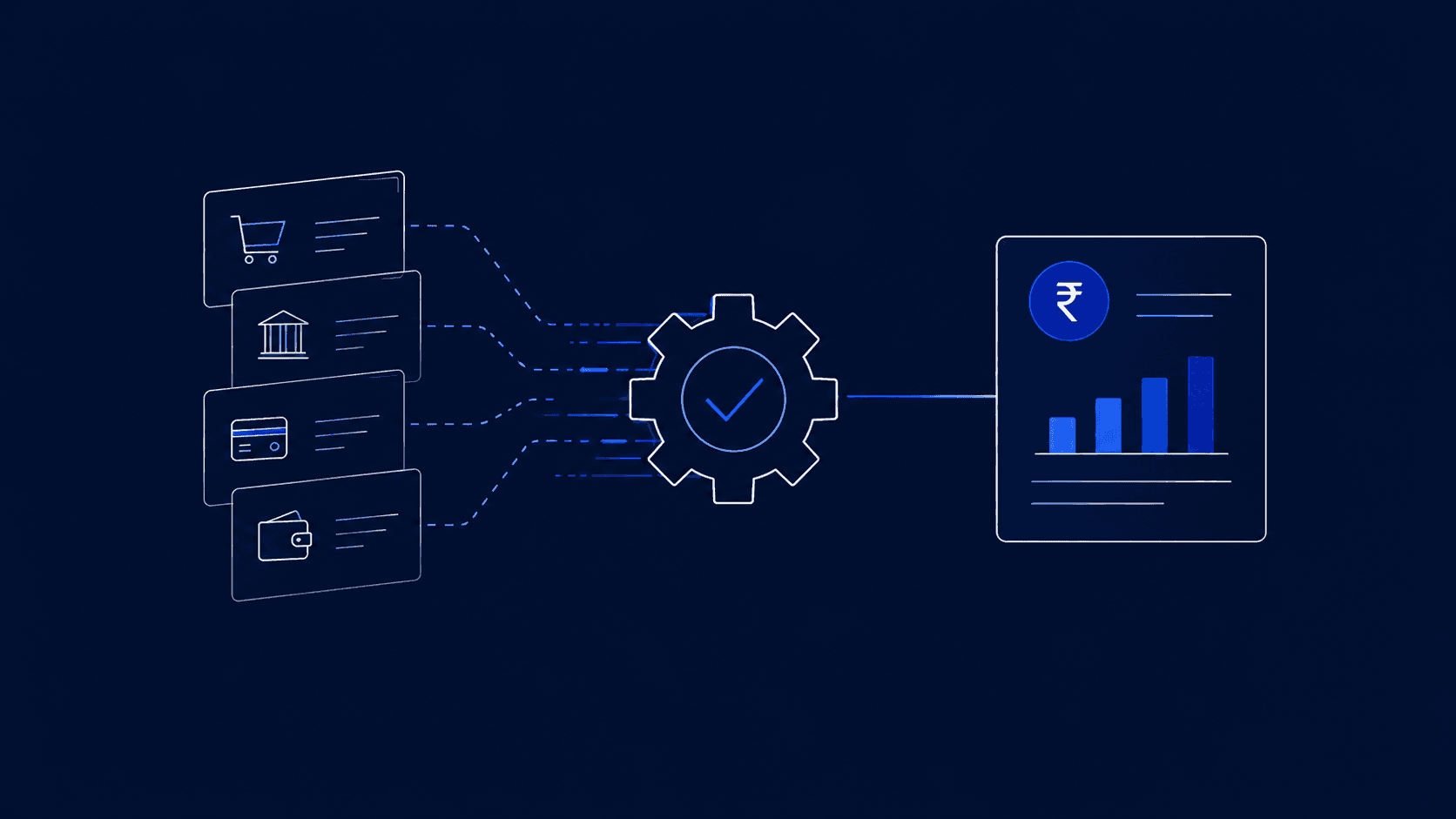
A finance analyst at a fast-growing D2C brand spends three days every month cross-matching Razorpay settlements, Shiprocket COD remittances, and Shopify payouts in Excel, only to find a ₹40,000 gap they cannot explain. The instinct is to hire another analyst. That instinct is wrong.
Adding a person to a broken process scales the problem, not the solution. As one reconciliation guide notes, infrequent or manual reconciliation creates a backlog of discrepancies that makes errors harder to identify and resolve over time (Source: Common Bank Reconciliation Pitfalls to Watch For, Maner). The goal is to automate reconciliation first, so the next analyst you hire spends their time on forecasting and decisions, not data-entry and gap-chasing. This article shows exactly when and how to do that.
Why Reconciliation Breaks Down as D2C Order Volume Grows
Your team is not failing at reconciliation. The process itself is structurally broken for multi-channel D2C operations, and it gets worse as order volume grows.
The multi-source data problem: gateways, marketplaces, and 3PL COD in one ledger
Every D2C brand pulling from Razorpay, Shopify, and Shiprocket simultaneously is dealing with three separate settlement logics, three payout timelines, and three data formats. Payment reconciliation, at its core, is about ensuring internal records match vendor statements: what you should have received must match what each platform says it paid (Source: What Is Payment Reconciliation? Best Practices & Automation, Chargebee). When three platforms each have their own logic, a single mismatched return or delayed COD remittance creates a ripple across all three ledgers.
How infrequent reconciliation creates compounding discrepancies
Most D2C finance teams reconcile weekly or monthly, not daily. Each skipped day adds uncleared transactions, partial settlements, and return-initiated credits that stack on top of each other. By month-end, the gap is not one error, it is forty. Accounting automation closes this loop by running reconciliation continuously, so errors surface in hours, not weeks.
Why Excel and email handoffs fail after 500 daily orders
Below 200 daily orders, a skilled analyst can manage reconciliation manually. Above 500, the combinatorial volume of transactions, returns, failed payments, and partial COD settlements exceeds what any spreadsheet handles reliably. Excel has no exception-flagging logic and no learning capability. Gartner's research on financial reconciliation confirms that true automation requires continuous learning, not just rule-based matching, to handle the edge cases that multiply as volume grows (Source: Top AI-Powered Payment Reconciliation Platforms in 2026). Manual handoffs between systems are where accuracy breaks down first.
The Real Cost of Hiring Before You Automate Reconciliation
Every month you delay automation and add headcount instead, you pay twice: once in salary, and once in the same errors the new hire cannot fix.
Analyst salary vs. automation platform cost: a direct comparison
A junior finance analyst in a metro Indian city, such as Bengaluru, Mumbai, or Delhi, earns approximately ₹6–10 LPA. That is ₹50,000–₹83,000 per month in fixed cost before benefits, onboarding, and management overhead. Most accounts payable automation solutions and reconciliation platforms are priced significantly below this on a monthly basis, often at a fraction of one analyst's monthly salary. The comparison is not analyst versus tool, it is what each one actually does with your reconciliation problem.
Hidden costs: errors, delayed MIS reports, stalled audits
A new analyst running the same manual process produces the same category of errors, just faster. Delayed MIS reports push investor updates. Unresolved reconciliation gaps stall audits. Expense management automation and accounts receivable automation do not just save time; they eliminate the second-order costs that nobody budgets for when approving a new hire.
What happens when you automate first: what the analyst actually does instead
When reconciliation automation handles data ingestion, matching, and exception flagging, the analyst's job changes immediately. They review flagged exceptions, interpret variance trends, and build forward-looking financial models. That is the role that justifies the hire. Without automation, the analyst is an expensive Excel operator. With it, they are a strategic function. Sequencing correctly, automation before headcount, is the decision that changes what the role actually becomes.
What Automate Reconciliation Actually Means for a D2C Finance Stack
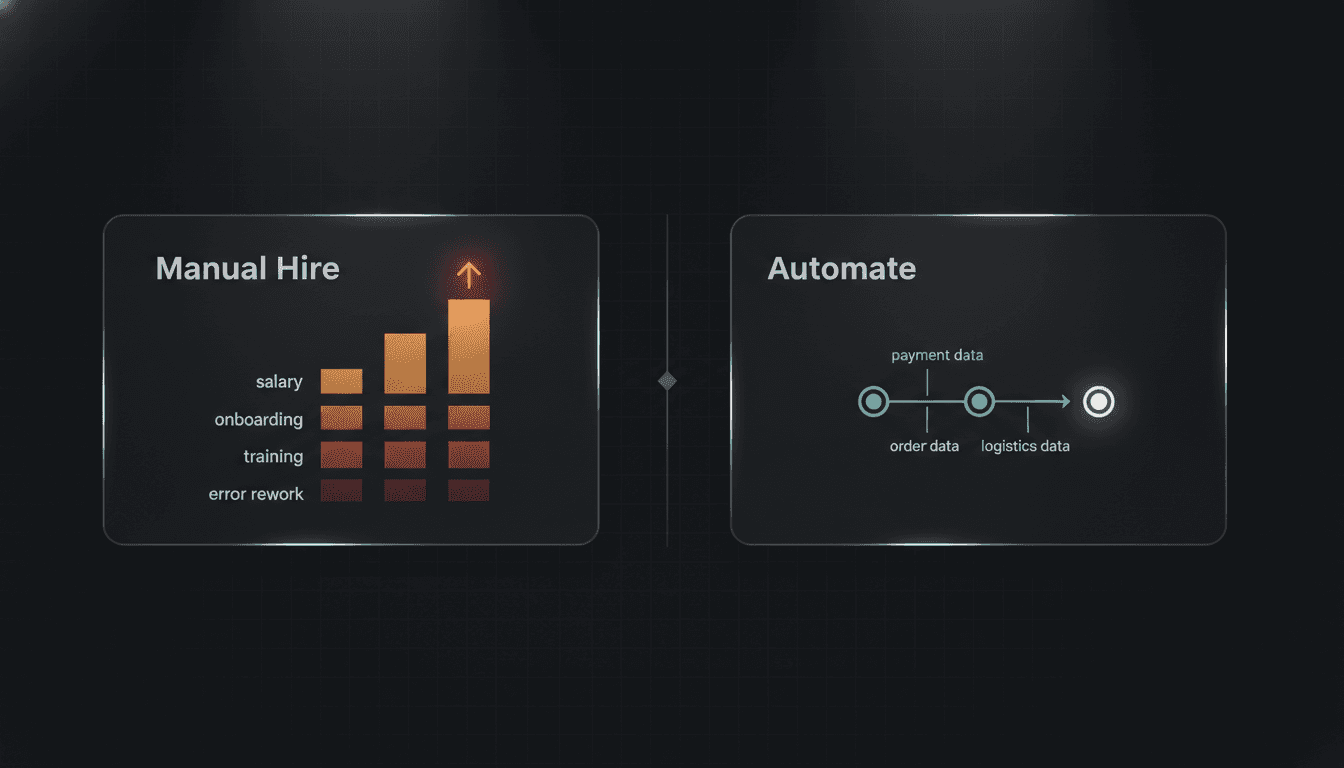
Automating reconciliation means connecting your payment, order, and logistics data sources into a single pipeline that matches transactions, flags mismatches, and posts confirmed entries, without manual intervention at each step.
This is distinct from exporting CSVs into a shared folder or running an Excel macro on a schedule. It is a live, structured pipeline. Gartner frames it precisely: real reconciliation automation replaces manual transactional matching with standardized, automated workflows, and it requires continuous learning, not just static rules (Source: Top AI-Powered Payment Reconciliation Platforms in 2026).
The four layers of automated reconciliation: ingest, match, flag, post
Ingest: Pull structured transaction data from every source: Razorpay settlement reports, Shopify payout files, Shiprocket COD remittances, return credit notes.
Match: Apply logic to pair transactions across sources. A Shopify order should match a Razorpay settlement, which should match a Shiprocket delivery confirmation.
Flag: Isolate every transaction that fails to match within defined tolerance. Surface it for human review with context attached, not just a row in a spreadsheet.
Post: Write confirmed, matched entries to the ledger or ERP automatically. No manual copy-paste, no end-of-day batching.
AI matching vs. rule-based matching: why D2C edge cases need the former
Rule-based matching works when transactions are clean and predictable. D2C transactions are neither. Partial COD collections, split returns, multi-item order cancellations, and platform-fee adjustments all break simple if-then logic. AI matching learns from historical exception patterns and handles variations that no rule set covers in advance. This is what separates intelligent automation from a more elaborate macro.
What 'fully automated' means versus 'semi-automated with human review'
Fully automated reconciliation handles matching and posting end-to-end, with human review reserved for flagged exceptions only. Semi-automated means a human still approves every match before posting, useful as a transition step, but not the end goal. For D2C brands above 300 daily orders, full automation with exception-based human oversight is the target operating model.
How to Automate Reconciliation in 5 Steps: A Practical Playbook
Each step below addresses a specific failure point in the current manual process. Work through them in order; skipping Step 1 is the most common reason automation implementations fail.
Step 1: Map your current reconciliation process before touching any tool
Document every step your team currently takes: which files are downloaded, from where, in what format, by whom, and when. This company mapping exercise is not optional, it is the foundation everything else is built on. You cannot automate a process you have not defined. Even a rough swim-lane diagram reveals where manual handoffs between systems cause delays and errors.
Step 2: Identify your highest-volume mismatch sources (gateway, returns, COD)
Not every mismatch costs the same. Pull three months of reconciliation logs and count where gaps originate. For most D2C brands, COD remittance timing, return-initiated credits, and gateway fee deductions are the top three. Prioritize automation of your highest-frequency mismatch sources first; this is where accounts receivable automation pays back fastest.
Step 3: Choose between ERP-native automation, point solutions, or AI agent platforms
Three categories exist. ERP-native modules (SAP business process management, for example) work well if your entire stack lives inside one ERP, rare for D2C brands. Point solutions handle one integration well but struggle when your stack spans five platforms. AI agent platforms build automation around your specific workflow rather than forcing your workflow into a pre-built template.
Platforms like Predflow take a process-mapping-first approach: agents are built around your specific reconciliation logic, including edge cases like partial COD settlements and return-initiated credit notes, rather than forcing your workflow into a pre-built template. This matters because D2C reconciliation edge cases are what break rule-based tools at scale.
Step 4: Define exception-handling rules and human escalation triggers
Automation should not make every decision. Define clearly: what gap size triggers a human review, who receives the alert, and what response is required before the entry is posted. Human oversight is not a sign of incomplete automation, it is a design feature. Workflow automation tools that remove all human checkpoints create a different class of error: confident mistakes at scale.
Step 5: Set reconciliation cadence and MIS reporting outputs
Daily reconciliation is the target for brands above 300 orders. Weekly is acceptable for brands between 100–300 daily orders. Define what your MIS report contains: settlement summary, open exceptions, gateway-wise variance, and automate its generation alongside reconciliation. This makes your month-end close a review, not a reconstruction.
Three Signs Your D2C Brand Is Ready to Automate Reconciliation Now
The question is not whether automation will help, it will. The question is whether you are at the stage where it delivers returns immediately.
You're reconciling more than 300 orders a day across two or more channels
If your daily order volume exceeds 300 and flows through two or more payment or logistics channels, the combinatorial mismatch volume is high enough that workflow automation services will likely pay for themselves within two to three months, purely in analyst time recovered.
Your analyst spends more than 20% of their week on matching tasks
If one analyst is dedicating a full day each week to transaction matching, that is roughly ₹10,000–₹15,000 per month in salary allocated to work that a business automation platform handles in minutes. That is a direct, calculable cost-of-delay.
Your month-end close is delayed by reconciliation gaps
If your close extends beyond the 5th of each following month because of unresolved reconciliation gaps, your business decisions in the first week of every month are running on incomplete data. That delay has a cost in decisions made on stale numbers, even if it does not appear on any invoice.
If any one of these three conditions applies to your team, the sequencing argument is clear: build the automated process first, then evaluate what your analyst hire actually needs to do.
Frequently Asked Questions
What is the difference between reconciliation automation and just using Excel macros?
Excel macros execute a fixed sequence of actions on static data; they do not connect to live data sources, learn from exceptions, or flag mismatches in real time. Reconciliation automation ingests live transaction data from multiple platforms, applies matching logic continuously, and surfaces exceptions for human review before they compound. Macros are manual work made slightly faster; automation is a different process entirely.
How long does it take to set up automated reconciliation for a D2C brand?
Setup time depends on the number of data sources and the complexity of your matching logic. For a brand connecting three sources, Razorpay, Shopify, and Shiprocket, a well-scoped implementation typically takes two to six weeks from process mapping to live operation. Brands that skip the process documentation step in Step 1 routinely see implementations take two to three times longer.
Can small D2C brands with under 200 daily orders benefit from automate reconciliation tools?
At under 200 daily orders, a disciplined manual process with daily reconciliation is still manageable. Automation becomes structurally necessary above 300 orders, where mismatch volume exceeds what any analyst handles accurately. That said, brands between 100–200 orders that are growing fast should begin process mapping now, so they are ready to automate before the volume forces the issue.
What data sources does automated reconciliation typically connect—Razorpay, Shopify, Shiprocket?
Yes, those three are the most common for Indian D2C brands. A complete reconciliation pipeline also connects to your returns management system, any marketplace feeds (Amazon, Flipkart), and your ERP or accounting software for final ledger posting. The more sources you connect, the higher the value of automation, and the more important AI matching becomes over rule-based logic.
Does automating reconciliation replace the need for a finance analyst entirely?
No, and that is not the goal. Automation handles data ingestion, transaction matching, exception flagging, and ledger posting. The analyst handles exception resolution, variance interpretation, audit preparation, and financial modeling. Automation does not eliminate the role; it redefines it. The analyst you hire after automating is doing fundamentally different, and more valuable, work than the one you hire before.
The Decision in Front of You
You now know the cost of sequencing incorrectly: a new hire absorbed into the same manual matching cycle within their first month. You know what real reconciliation automation involves, ingest, match, flag, post, and the five steps to build it. You know the three signals that tell you the timing is right.
The direct question is this: Is your next hire going to spend their first six months doing the same work your current team is doing? If any of the three readiness signs apply, 300-plus daily orders, an analyst burning a day a week on matching, or a month-end close that drags past the 5th, the right move is to build the automated process first, then hire into a role that is actually strategic.
Request a reconciliation workflow walkthrough — If you want to see how Predflow maps and automates a reconciliation workflow for a D2C finance stack, request a process walkthrough, no demo script, just your actual workflow.
Bring 20 NetSuite bills to a 30-minute teardown
We will walk your actual invoices through capture, 3-way match and posting on the call, and tell you which steps an agent can take over. No prep beyond the PDFs.
FAQ
Frequently asked questions
What exactly is an AI agent
An AI agent is an autonomous system designed to handle specific business tasks end-to-end. Unlike simple chatbots, AI agents can reason, take actions, integrate with tools, and follow defined workflows.