Supply Chain
7 Best ERP Software for Supply Chain Teams in 2026
A missing shipment. Three systems checked. The delay happened three days ago and nobody knew. Here are the 7 ERP platforms that fix exactly that.

Denisha R
Product, Predflow

A customer calls to report a missing shipment. Your team checks the warehouse system, then the logistics portal, then a spreadsheet someone emailed last Tuesday. By the time you find the delay, it happened three days ago and no one was alerted. This is the real cost of disconnected systems, and it is why choosing the right ERP software for supply chain is not about features. It is about eliminating the manual handoffs and visibility gaps that drain hours every week.
Modern supply chains have grown complex enough that basic data centralization no longer cuts it. Teams need systems that surface problems before customers do, and that connect procurement, inventory, fulfillment, and finance without human go-betweens.
This article compares 7 ERP platforms side by side so you can match a tool to your actual workflow gaps, not a vendor's pitch deck.
What to Look For in ERP Software for Supply Chain Management
The right ERP software for supply chain management gives your team real-time control over inventory, orders, and cross-functional handoffs without adding headcount to make it work. Before evaluating any platform, use these four criteria as your filter.
Real-Time Inventory and Order Visibility
What it means: Every team sees the same stock levels, order status, and fulfillment data at the same time.
Why it matters: Delays discovered after the fact are not a logistics problem. They are a visibility problem.
Watch for: Platforms that sync data in batches rather than true real-time updates.
Integration Depth With Existing Tools
What it means: The ERP connects natively to your warehouse management system, 3PL portals, and finance tools.
Why it matters: A system that requires manual exports or middleware connectors recreates the problem you bought the ERP to solve.
Watch for: Integration libraries that look large but require custom development for your specific stack.
Automation of Repetitive Cross-Team Handoffs
What it means: Purchase order approvals, reorder triggers, and invoice matching happen without someone pushing them along.
Why it matters: Effective supply chain management requires people making decisions based on good data, not people moving data between systems.
Watch for: Automation that covers simple triggers but stalls on exceptions requiring judgment.
Scalability Without Proportional Headcount Growth
What it means: Volume can double without doubling your operations team.
Why it matters: An ERP system software that scales only by adding users or licenses shifts costs instead of reducing them.
Watch for: Pricing models that penalize growth or require re-implementation at higher tiers.
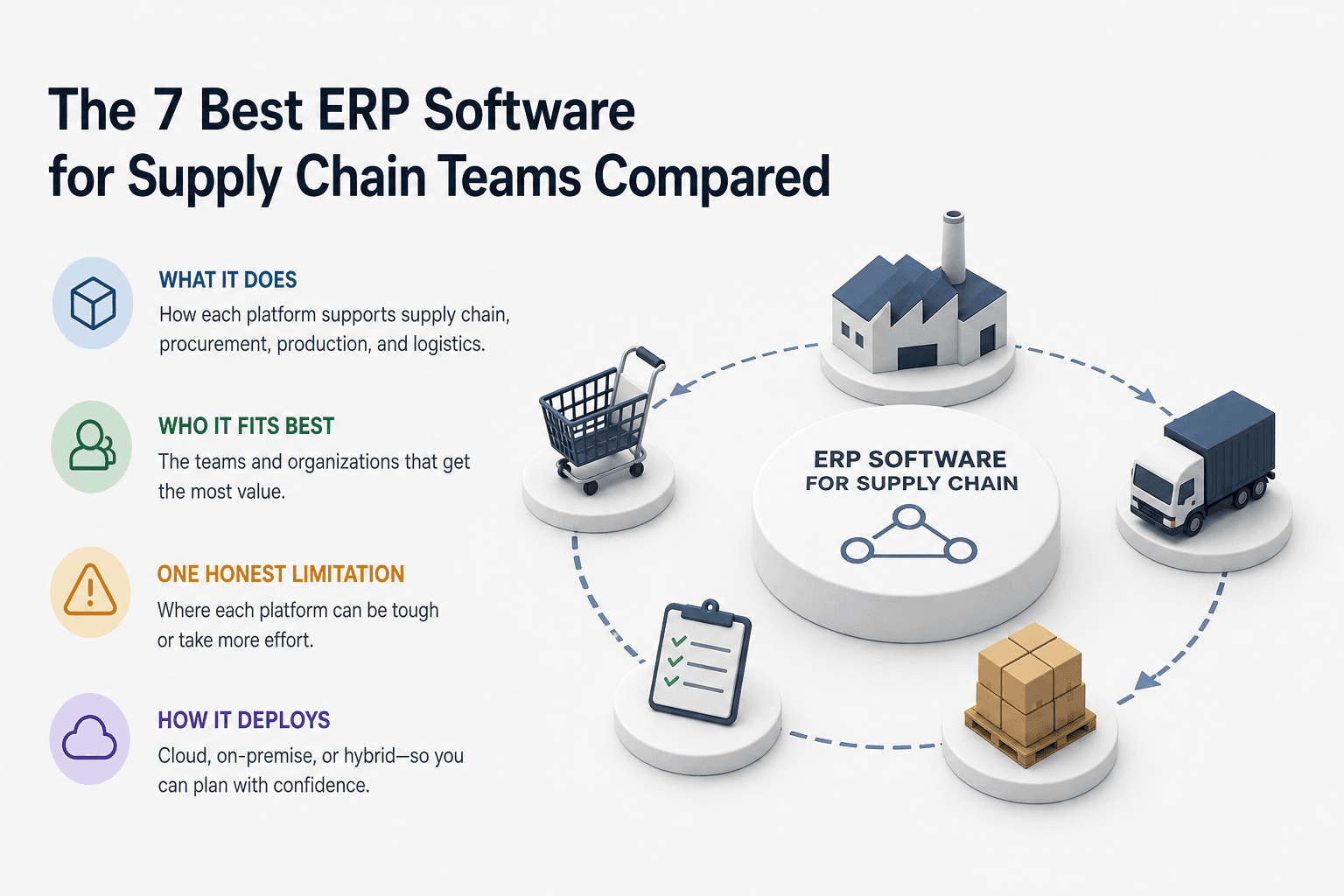
The 7 Best ERP Software for Supply Chain Teams Compared
Each profile below follows the same format: what the platform does, who it fits best, one honest limitation, and how it deploys. Use this as a shortlist filter, not a replacement for a full vendor evaluation.
1. SAP S/4HANA — Best for Large Enterprise Supply Chains
SAP S/4HANA is a fully integrated ERP system built for enterprises managing global procurement, production, and logistics under one platform. It handles demand planning, supplier collaboration, and real-time inventory across complex multi-tier supply chains.
Best for: Large manufacturers and distributors with dedicated IT teams and complex compliance requirements.
Watch out for: Implementation timelines run long and costs run high. Poor requirements documentation is one of the most common causes of SAP projects stalling mid-rollout.
Deployment: Cloud, on-premise, and hybrid.
2. Oracle Fusion Cloud ERP — Best for Global Multi-Site Operations
Oracle Fusion Cloud ERP connects financials, supply chain, and manufacturing across multiple geographies in a single cloud-based ERP software environment. Its AI-powered planning tools help teams anticipate demand shifts and adjust procurement automatically.
Best for: Enterprises operating across multiple countries, currencies, and regulatory frameworks.
Watch out for: The breadth of modules can overwhelm smaller teams. Scoping the initial rollout tightly matters more here than with most platforms.
Deployment: Cloud-native.
3. Microsoft Dynamics 365 Supply Chain Management — Best for Microsoft-Stack Teams
Dynamics 365 Supply Chain Management integrates directly with Teams, Excel, Power BI, and Azure, making it the strongest option for organizations already running Microsoft infrastructure. It covers warehouse management, asset tracking, and production planning with solid ERP CRM software connectivity through the Dynamics ecosystem.
Best for: Mid-to-large businesses standardized on Microsoft tools looking to avoid a parallel system.
Watch out for: Licensing across Dynamics modules adds up quickly. Map your required modules before committing.
Deployment: Cloud and hybrid.
4. Sage Software Solutions — Best for Mid-Market Distributors
Sage software solutions, particularly Sage X3 and Sage 300, give mid-market distributors and manufacturers ERP tools scaled to their size without enterprise-level complexity. Order management, inventory control, and financial reporting come pre-configured for distribution workflows.
Best for: Growing distributors and manufacturers between 50 and 500 employees who need structure without a six-figure implementation.
Watch out for: Advanced supply chain automation requires add-ons. The base platform covers fundamentals well but has gaps in complex demand planning.
Deployment: Cloud and on-premise.
5. Infor CloudSuite Industrial — Best for Process and Discrete Manufacturing
Infor CloudSuite Industrial is purpose-built for manufacturing environments, covering process manufacturing ERP needs alongside discrete job shops. It handles lot traceability, quality control, and materials requirements planning with strong industry-specific configuration.
Best for: Mid-to-large manufacturers, including food manufacturing ERP software users and chemical processors needing compliance-ready workflows. It is a strong choice for manufacturing ERP software in India, with regional deployments and localization support.
Watch out for: The user interface requires training investment. Teams without a change management plan see slower adoption.
Deployment: Cloud-based.
6. NetSuite ERP — Best Cloud ERP for Fast-Growing Businesses
NetSuite is one of the most widely used cloud ERP software platforms for businesses scaling from $5M to $500M in revenue. It covers order management, inventory, financials, and procurement in a single system with strong real-time reporting across the supply chain.
Best for: Fast-growing ecommerce, wholesale, and distribution businesses that need a cloud-based ERP software system that works out of the box.
Watch out for: Customization depth is limited compared to SAP or Oracle. If your workflows are highly non-standard, NetSuite may require workarounds.
Deployment: Cloud-native.
Even the best ERP platforms leave execution gaps. Approvals stall, exceptions need human judgment, and some workflows span tools the ERP simply does not touch. Predflow closes those gaps by deploying AI agents that map your actual process first, then automate the handoffs your ERP cannot handle, without replacing the system you have already invested in.
7. Epicor Kinetic — Best Manufacturing ERP for Job-Shop Environments
Epicor Kinetic is designed for discrete manufacturers running make-to-order and engineer-to-order production, with strong shop floor control and quoting tools built in. It fits job shops, contract manufacturers, and industrial equipment producers who need ERP supply chain software that understands production complexity.
Best for: Small-to-mid manufacturers, including those evaluating manufacturing ERP software for operations in India, the UAE, and Dubai-based industrial firms needing regional compliance.
Watch out for: Reporting and analytics need third-party tools to reach the depth larger teams expect.
Deployment: Cloud and on-premise.
ERP Software for Supply Chain by Industry: Which Platform Fits Your Sector
Choosing a general-purpose ERP and forcing it into an industry-specific workflow is one of the fastest ways to create a second layer of manual workarounds. Use this as a quick-reference guide.
Chemical and Process Manufacturing
Industry: Chemical and process manufacturing Recommended: Infor CloudSuite Industrial, SAP S/4HANA Reason: Both platforms support lot traceability, hazardous materials compliance, and batch production controls required by ERP software for chemical industry operations. SAP suits large enterprises; Infor fits mid-market processors.
Food and Beverage Manufacturing
Industry: Food and beverage manufacturing Recommended: Infor CloudSuite Industrial, Epicor Kinetic Reason: Food manufacturing ERP software must handle expiry tracking, recipe management, and regulatory compliance. Both platforms carry industry-specific modules that generic ERPs add only through costly customization.
Construction and Project-Based Operations
Industry: Construction and project-based operations Recommended: Sage X3, Microsoft Dynamics 365 Reason: Construction ERP software needs project costing, subcontractor management, and progress billing. Sage and Dynamics both carry these natively without requiring a full manufacturing configuration layer.
Distribution and Wholesale
Industry: Distribution and wholesale Recommended: NetSuite ERP, Sage Software Solutions Reason: Both platforms prioritize order management, warehouse control, and multi-location inventory. They reach production-ready status faster for distributors than enterprise platforms built around manufacturing-first workflows.
How to Choose and Implement an ERP Without Repeating the Common Mistakes
ERP projects fail for predictable reasons: immature data, poorly defined requirements, over-customization, and legacy systems that resist integration. Knowing the failure pattern in advance is the only reliable way to avoid it.
Map Your Processes Before Evaluating Tools
Document exactly how orders, inventory updates, and approvals move through your team today before you open a single vendor demo. Teams that skip this step evaluate ERPs against imagined workflows and discover the mismatch after go-live.
ERP software design should follow your process, not replace it with a generic one. The cleaner your process map, the shorter your requirements list, and the faster your implementation.
Avoid Over-Customization in the First Phase
Over-customization is consistently one of the top causes of ERP implementation failure. Every custom modification makes upgrades harder, increases testing cycles, and adds cost.
Commit to using the platform's standard configuration for the first twelve months. Identify genuine gaps after go-live, then decide which are worth customizing versus which workflows can adapt.
Plan for the Gaps Your ERP Won't Cover
No ERP covers every workflow. Approval chains that span external partners, exception handling that requires context, and cross-system handoffs between tools the ERP does not integrate all create invisible gaps.
These gaps are where manual work re-enters the process. Planning for them before go-live means building a strategy for how those handoffs get handled. Whether that is a workflow automation layer, a defined escalation path, or an AI agent that manages exceptions, the answer needs to exist before the ERP goes live.
Frequently Asked Questions
What is ERP software and what does ERP stand for in supply chain?
ERP full form in software is Enterprise Resource Planning. In supply chain, an ERP system software centralizes data across procurement, inventory, production, and fulfillment so every team works from the same real-time information rather than separate disconnected tools.
Which ERP software is best for small manufacturing businesses?
NetSuite and Epicor Kinetic are the strongest options for small manufacturers. NetSuite deploys faster with less IT overhead; Epicor Kinetic fits job shops and make-to-order environments where production complexity is high but team size is limited.
What is the difference between cloud ERP and on-premise ERP for supply chain?
Cloud-based ERP software is hosted by the vendor, updated automatically, and accessed via browser with lower upfront cost. On-premise ERP sits on your own servers, giving you more control over data and customization but requiring internal IT resources to maintain and upgrade it.
How long does it typically take to implement an ERP system for supply chain?
Implementation timelines range from three months for a focused NetSuite rollout to two or more years for a full SAP S/4HANA deployment across a large enterprise. Scope, data quality, and the level of customization are the three biggest drivers of timeline. Teams with clean process documentation and limited customization finish significantly faster.
Can ERP software replace a dedicated supply chain management platform?
For most mid-market businesses, a well-configured ERP covers enough supply chain functionality to avoid a second platform. Large enterprises with highly complex logistics networks sometimes run a dedicated supply chain platform alongside their ERP, with the ERP handling financials and the SCM platform managing carrier networks and dynamic routing.
Conclusion
Start by identifying your two biggest operational pain points from the scenarios in this article. Delayed visibility, manual handoffs, cross-team approval bottlenecks, and industry-specific compliance gaps each point toward a different platform on this list. Match those pain points to the company size and industry filters in Sections 2 and 3 to reach a shortlist of one or two platforms.
Then run one more check before committing. After the ERP is live, which workflows will still require a person to move information between systems? An ERP centralizes data, but execution still depends on what happens between systems. That gap is the one worth solving before your next bottleneck becomes your next customer complaint.
If your team is still managing exceptions, approvals, and cross-system handoffs manually after your ERP is live, explore how Predflow's AI agents can automate those workflows without replacing your existing stack. See how Predflow works.
Bring 20 NetSuite bills to a 30-minute teardown
We will walk your actual invoices through capture, 3-way match and posting on the call, and tell you which steps an agent can take over. No prep beyond the PDFs.
FAQ
Frequently asked questions
What exactly is an AI agent
An AI agent is an autonomous system designed to handle specific business tasks end-to-end. Unlike simple chatbots, AI agents can reason, take actions, integrate with tools, and follow defined workflows.