Backoffice Ops
7 Workflow Automation Platforms for Back-Office Operations (Compared for Finance, Supply Chain, and Ops Teams)
Find the best workflow automation platform for finance, AP, and supply chain. We compare 7 tools on complexity, integrations, and real-world scale.

Sanya Shah
Co-founder, Predflow
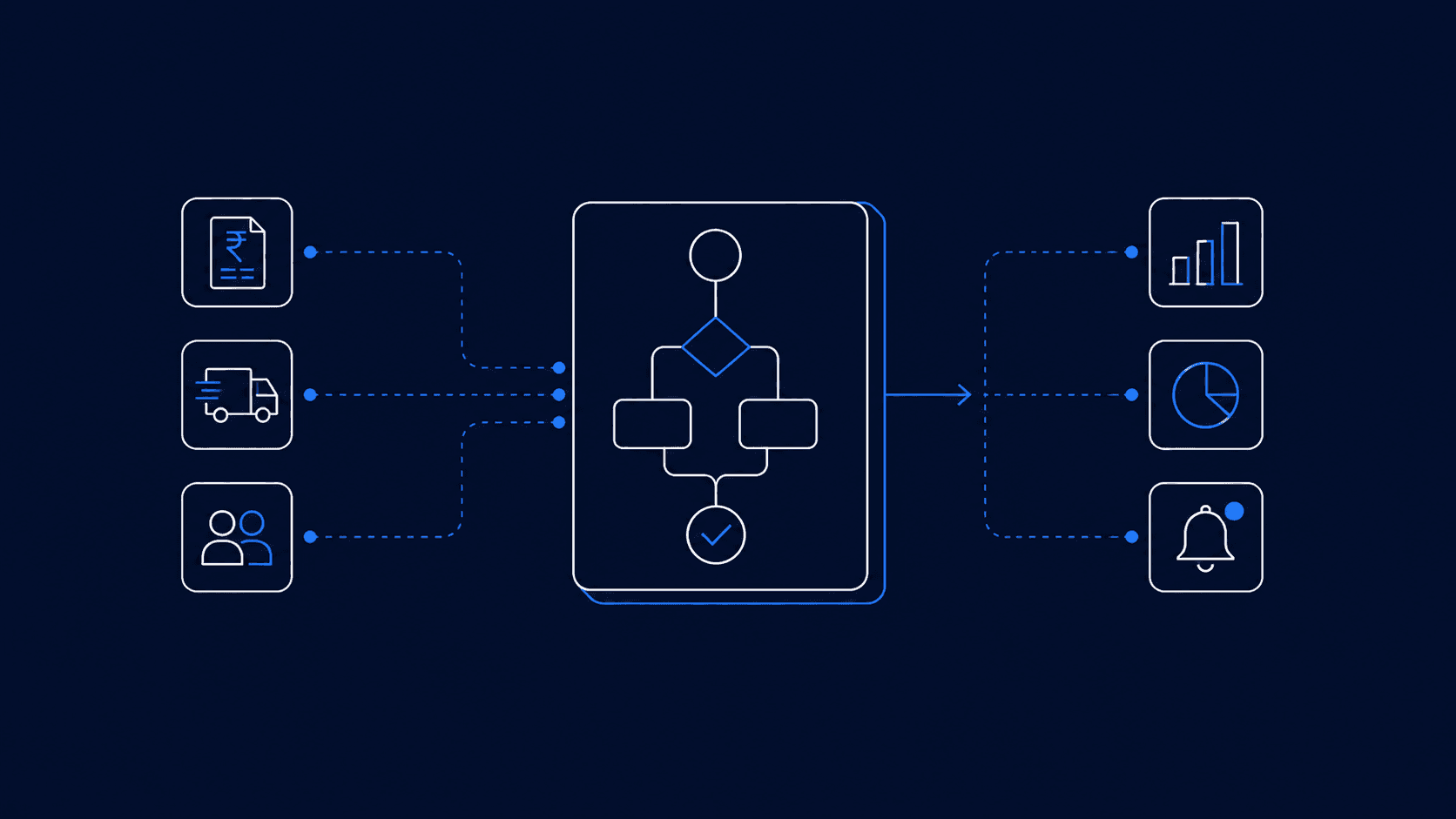
A finance team automates invoice matching and cuts processing time in half, then spends three hours a day manually reconciling exceptions that the workflow can't handle. An ops manager builds a supply chain automation that covers 80% of orders, then hires two coordinators to manage the edge cases the tool ignores. This is the gap most workflow automation platforms don't close: they handle clean, predictable sequences well, but back-office work is messy, exception-heavy, and system-dependent. One of the most common automation mistakes is rushing into a tool before mapping the process, which is how teams end up with automation that creates new manual work instead of eliminating it. This article compares seven platforms on the criteria that actually matter for finance, AP, supply chain, and operations teams, not feature checklists, but how each handles complexity, integrations, and scale.
What Makes a Workflow Automation Platform Work for Back-Office Teams
Not every workflow automation platform is built for back-office complexity. A tool that works for a sales team's lead routing will fail an AP team processing 500 invoices a week with three different vendor formats.
Process complexity and exception handling: Back-office workflows break on exceptions: duplicate invoices, mismatched POs, supply chain discrepancies. A platform that only handles clean trigger-action sequences pushes every exception back to a human, negating the automation value.
ERP and finance system integrations: Automation without deep ERP integration means manual re-entry at the boundaries. Evaluate whether the platform connects natively to your ERP or requires a middleware layer that adds latency and failure points.
Human-in-the-loop oversight and audit trails: Effective intelligent automation includes paths for human review when rules can't resolve an issue. AI workflow automation platforms that integrate human oversight directly into the process, rather than stopping and waiting, keep workflows moving while maintaining accountability (Source: AI and workflow automation: Best practices for success).
Total cost versus AP automation ROI: Licensing cost is one line item. Factor in implementation time, ongoing maintenance, and how much engineering support the platform requires to run. A tool that needs a dedicated workflow engineer to maintain is not reducing operational cost, it's shifting it.

7 Workflow Automation Platforms Compared for Back-Office Operations
1. Predflow: AI agent platform for end-to-end process automation
Predflow is built for back-office workflows where exceptions are the rule, not the edge case.
Predflow's approach starts with process mapping before any automation runs. Agents are designed around the specific workflow, including its failure modes and edge cases, which is why they handle procure-to-pay automation, invoice reconciliation, and AP exceptions without requiring a workflow engineer on call. Human oversight and continuous improvement are built into the agent loop, not added after deployment. Agents flag exceptions in real time, route decisions to the right person, and incorporate resolution feedback to improve over time.
Where it falls short: Predflow is purpose-built for complex, high-volume back-office processes. Teams looking for lightweight trigger-action automation between SaaS tools will find it more than they need.
For a finance team running 500+ invoices a week with variable formats and frequent exceptions, Predflow agents handle routing, matching, and escalation without a dedicated workflow engineer on call.
Best for: Finance and AP teams, procurement operations, and supply chain coordinators managing high-volume, exception-heavy processes where accounts payable automation solutions need to go beyond basic matching.
2. UiPath: RPA-first automation for structured repetitive tasks
UiPath is the enterprise standard for robotic process automation where the task is structured, repetitive, and system-bound.
For back-office teams, UiPath handles RPS process tasks well: screen scraping, data entry across legacy systems, structured document extraction. Its library of pre-built connectors and its depth in RPA robotic process automation make it a strong fit for large enterprises with SAP or Oracle environments running predictable processes. Artificial intelligence and RPA features have expanded in recent releases, adding document understanding and some ML-assisted classification.
Where it falls short: UiPath's strength is structured tasks. When processes involve judgment, unstructured data, or high exception rates, the bots require significant rule maintenance and human fallback.
Best for: Enterprise operations teams automating high-volume, structured tasks across legacy systems: payroll entry, compliance reporting, and system-to-system data transfer.
3. Microsoft Power Automate: Office-embedded automation for Microsoft-stack teams
Power Automate is the lowest-friction workflow automation tool for organizations already running Microsoft 365, Dynamics, and Azure.
Its native integration with Teams, SharePoint, Excel, and Dynamics reduces setup time for common office automation workflows: approval routing, document processing automation, and cross-department notifications. The platform's RPA ai capabilities via AI Builder add basic document extraction and prediction models without leaving the Microsoft environment. For mid-size teams, the per-user licensing model keeps initial costs manageable.
Where it falls short: Power Automate's exception handling is limited outside the Microsoft stack. Complex multi-system workflows that span non-Microsoft ERPs require significant custom connector work and often break at integration boundaries.
Best for: Finance and HR teams standardized on Microsoft 365 who need workflow automation services for approvals, notifications, and document routing within that ecosystem.
4. SAP Business Process Management: Native ERP automation for SAP environments
SAP BPM is the specialist choice when the process lives entirely inside SAP and integration complexity is the primary risk.
For organizations running S/4HANA or SAP ECC, sap business process management removes the middleware layer that causes data loss and latency in external automation tools. Procure-to-pay, order management, and accounts payable automation system workflows run natively inside the ERP, reducing reconciliation overhead and audit trail gaps. The platform also supports erp automation for compliance-heavy environments where data residency and access control matter.
Where it falls short: Outside the SAP ecosystem, the platform adds cost and complexity without proportional benefit. Non-SAP integrations require custom development, and the platform has a steep learning curve for non-SAP administrators.
Best for: Large enterprises where the majority of back-office workflows, procurement, finance, and supply chain, live inside SAP and the priority is integration depth over flexibility.
5. Celonis: Process mining plus execution automation
Celonis adds a layer most platforms skip: it shows you what your processes actually do before you automate them.
Its process mining capability reads event logs from ERP and finance systems to map real workflow behavior, including deviations, delays, and bottleneck patterns. This makes it useful for teams that need to understand their accounts receivable automation gaps or procure to pay inefficiencies before selecting what to automate. Execution Automation then acts on those insights to close identified gaps, making invoice automation tools and workflow triggers more targeted.
Where it falls short: Celonis is diagnostic and corrective, not a general-purpose workflow builder. Teams without mature ERP event-log infrastructure get limited value from the process mining layer.
Best for: Operations leaders in finance or supply chain who need to audit and optimize existing processes before scaling automation, particularly when ERP complexity has made process reality diverge from process design.
6. Make (formerly Integromat): Visual workflow builder for mid-complexity integrations
Make is a strong n8n alternative for teams that need visual, flexible workflow automation across a broad range of SaaS tools without writing code.
Its scenario builder handles multi-step, conditional workflows with better branching logic than Zapier, making it practical for back-office automation workflows that involve several systems. It connects well to finance tools, project management automation tools, and collaborative communication tools, giving ops teams a way to coordinate across fragmented stacks. Pricing scales with operation volume rather than users, which suits teams with high-frequency but low-complexity workflows.
Where it falls short: Make is a builder tool, it requires someone to design and maintain the workflows. Exception handling is manual: when a step fails, it stops and alerts, rather than routing exceptions intelligently.
Best for: Mid-size ops or finance teams managing multi-system coordination tasks that are too complex for Zapier but don't require AI agent capabilities or deep ERP integration.
7. Zapier: Trigger-action automation for lightweight back-office tasks
Zapier is the fastest way to connect two SaaS tools and trigger an action when something happens in one of them.
For back-office teams, it works well for low-stakes automation: syncing data between tools, sending notifications, creating records across systems. Its library of 6,000+ app connections makes it useful for office automation tasks that don't touch core ERP or finance systems. Setup time is measured in minutes for simple two-step workflows.
Where it falls short: Zapier was not built for complex back-office operations. Multi-step processes with conditional logic, error handling, or ERP integration push beyond its design. It is not an accounts payable automation system, and treating it as one creates brittle workflows.
Best for: Small ops teams or individual contributors automating lightweight admin tasks: notifications, record creation, and data syncing, where process complexity is low and failure consequences are minimal.
How to Choose the Right Workflow Automation Platform for Your Operation
If your primary pain is AP, invoicing, or procurement: Prioritize platforms with native accounts payable automation system depth, invoice reconciliation logic, and ERP integration, because AP failures have direct financial consequences. Automate accounts payable software that can't handle exceptions just routes problems to your inbox faster. Avoid tools that only handle clean-match scenarios; your variance rate will determine whether the automation holds.
If your primary pain is supply chain or operations coordination: Prioritize platforms with supply chain management automation capabilities and automated supply chain event handling across multiple systems. Order to Cash automation and sales order automation require cross-system visibility; a tool that only connects two endpoints will miss the multi-handoff failures where most supply chain delays originate.
If your primary pain is HR, expense, or cross-department admin: An hr automation tool or expense management automation platform needs strong approval routing and human-in-the-loop controls more than deep ERP integration. Human resources automation software that lacks escalation paths creates compliance gaps; prioritize audit trail quality over feature volume.
When RPA alone is not enough: Traditional RPA process automation handles structured, rule-based tasks well. When your workflows involve unstructured documents, variable formats, or judgment calls, like invoice reconciliation across vendor formats, RPA bots require constant rule maintenance. The mistake of automating multiple processes at once compounds this: teams that automate five RPA workflows before validating one end up maintaining five brittle bots (Source: 6 Common Workflow Automation Mistakes And How To Avoid Them). Map one process completely before selecting a platform.
What the Best Workflow Automation Platforms Have in Common
After reviewing platforms across different architectural approaches, three capabilities separate tools that deliver sustained ROI from those that create new maintenance burdens.
1. Process mapping before tool selection. The platforms that work long-term, whether SAP BPM in an ERP-heavy environment or an AI agent platform in a finance team, start with a documented understanding of the real process, including its failure modes. Teams that skip this step automate the wrong thing or automate the right thing the wrong way. Business process automation platforms that guide users through process mapping before building workflows consistently outperform those that let users jump straight to builder interfaces.
2. Exception handling and human escalation paths built into the design. Every back-office workflow has exceptions. The platforms that handle back-office work reliably treat exception routing as a first-class feature, not a fallback. AI workflow automation has evolved from basic trigger-action sequences to context-aware agents that can analyze a situation, make a decision, and escalate when confidence is low (Source: AI and workflow automation: Best practices for success). That evolution matters most in accounting automation, document processing automation, and procurement, where a missed exception has financial or compliance consequences.
3. Measurable feedback loops for continuous improvement. Automation that can't improve over time creates a ceiling. The platforms delivering compounding returns, rather than one-time efficiency gains, incorporate feedback from exceptions, human corrections, and process changes into the automation logic. This is what separates static business process automation services from intelligent automation that gets more accurate with volume.
Frequently Asked Questions
What is workflow automation and how does it work for back-office teams?
Workflow automation uses software to execute process steps, such as data routing, approvals, matching, and notifications, without manual intervention. For back-office teams, it works by connecting systems like ERPs, finance tools, and communication platforms so that tasks like invoice matching, procurement approvals, and reconciliation automation run on defined rules or AI-driven logic, with human escalation built in for exceptions.
What is the difference between RPA and AI workflow automation?
RPA (robotic process automation) executes structured, rule-based tasks by mimicking user actions across systems; it works well when the process is predictable and the data is clean. AI workflow automation adds the ability to handle unstructured data, make context-based decisions, and improve over time through feedback, which is why ai and robotic process automation are increasingly combined for complex back-office processes where RPA alone hits limits.
Which workflow automation platform is best for accounts payable?
For AP teams with high invoice volume and variable vendor formats, platforms with built-in invoice reconciliation, exception routing, and ERP integration outperform general-purpose tools. AP automation works best when the platform can handle both the clean matches and the exceptions without defaulting every edge case back to a human; the exception rate, not the volume, is usually what determines whether an ap automation investment pays off.
How much does workflow automation typically cost for a mid-size operations team?
Costs vary significantly by platform architecture and process complexity. General-purpose tools like Make or Zapier start at low monthly fees but scale with usage volume. Enterprise platforms like UiPath or SAP BPM involve implementation and licensing costs that typically require a formal business case built on ap automation roi or operational cost reduction. AI agent platforms are generally scoped per process rather than per seat, making cost more predictable for high-volume workflows.
Can workflow automation platforms handle exceptions and edge cases, or do they only work for simple tasks?
Most traditional automation tools handle simple tasks reliably and push exceptions back to humans. Platforms with built-in exception handling, including AI-driven classification, confidence scoring, and human escalation routing, can manage edge cases within the automated workflow rather than stopping it. The distinction matters most for finance and supply chain teams where exception volume is high and the cost of manual fallback is significant.
Conclusion
You now have the evaluation framework, the platform comparison, and the decision criteria for your context. The only remaining question is where to start.
Most back-office automation failures trace back to the same root cause: the team picked the tool before mapping the process. That mistake produces automation that handles 80% of cases and breaks on the 20% that matter most. The platforms that deliver sustained results, regardless of architecture, begin with a documented understanding of the real process, including where it fails. Teams that automate one high-volume, exception-heavy process well, rather than five processes poorly, see compounding returns because the feedback loop improves the agent over time.
If you're evaluating platforms for AP, procurement, or supply chain automation, see how Predflow maps your process before building the agent. Book a process review or see how it works.
Bring 20 NetSuite bills to a 30-minute teardown
We will walk your actual invoices through capture, 3-way match and posting on the call, and tell you which steps an agent can take over. No prep beyond the PDFs.
FAQ
Frequently asked questions
What exactly is an AI agent
An AI agent is an autonomous system designed to handle specific business tasks end-to-end. Unlike simple chatbots, AI agents can reason, take actions, integrate with tools, and follow defined workflows.